
Pack Slip Template
Create a clean packing slip for any order in a minute. Enter your business details once, add the order number, date, ship-to address and line items with quantities ordered and shipped, then print or save as PDF to include in the parcel. Back-ordered quantities are calculated for you.
- Free to use
- No sign-up
- Runs in your browser
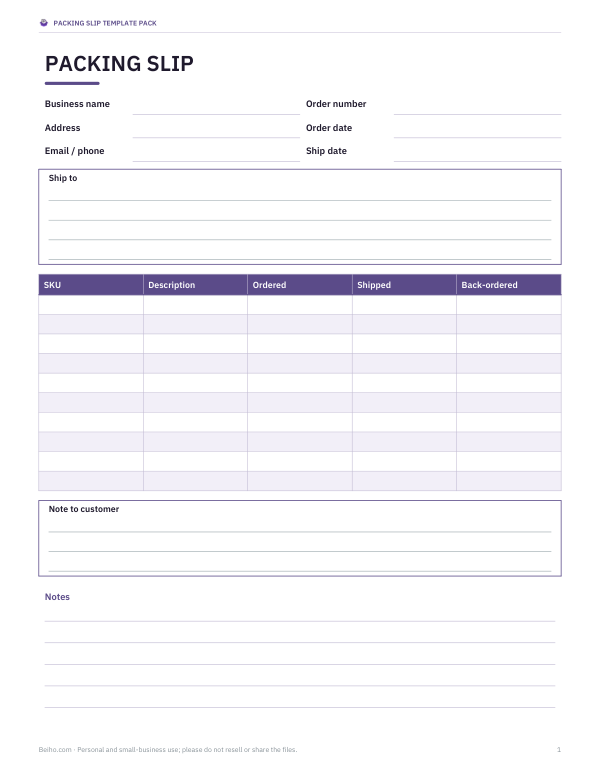
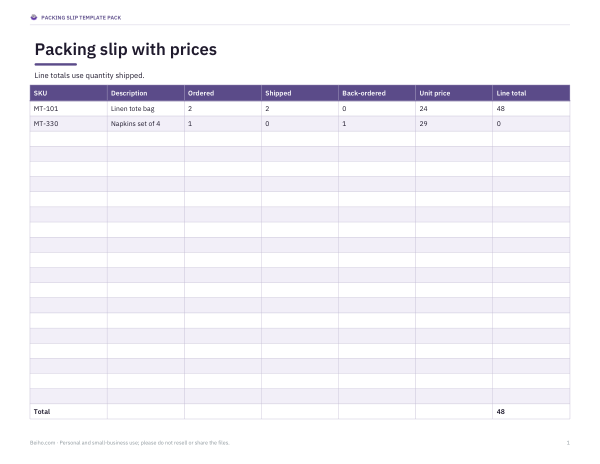
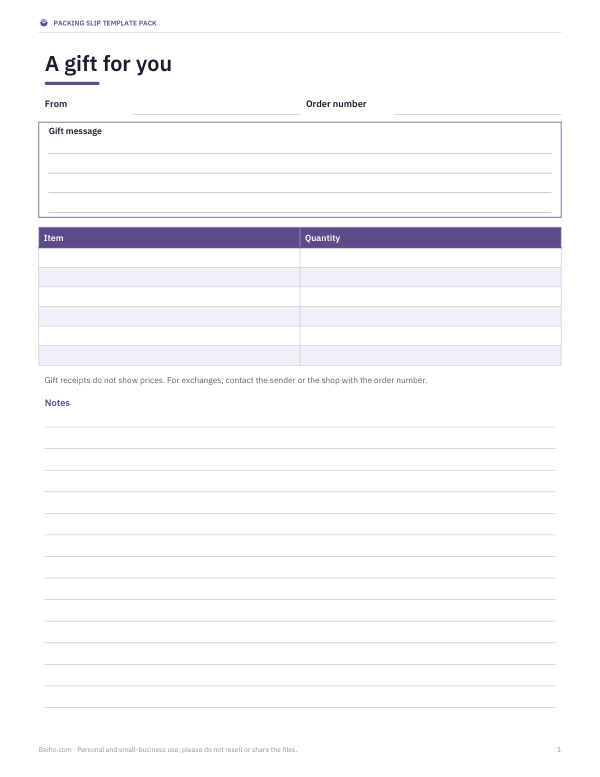
Packing slip generator
| SKU | Description | Ordered | Shipped |
|---|
Packing Slip Template Pack
Editable Word and Excel packing slip templates (standard, with prices, with returns section), a gift slip, a returns form and an order packing checklist.
- Standard packing slip (DOCX, PDF)
- Slip with prices (XLSX)
- Gift slip (DOCX, PDF)
- Returns & exchange form (DOCX, PDF)
- Packing checklist (PDF, DOCX)
Formats: DOCX, PDF, XLSX. Instant download after payment (link valid 72 hours, up to 5 downloads). AI-assisted: the templates were drafted with AI help and reviewed and laid out before publishing.
$5.00 USD, one-time 5 files · about $1.00 each
- Instant download
- 7-day refund
- Secure checkout by Stripe
7-day money-back guarantee. Full refund within 7 days of purchase, even after you download.
Free sample: Gift Packing Slip (PDF, 49 KB)
Full refund within 7 days — see the refund policy and license.
Free printables
Single sheets you can print right now, no sign-up. The full pack adds every sheet in one download plus the editable files.
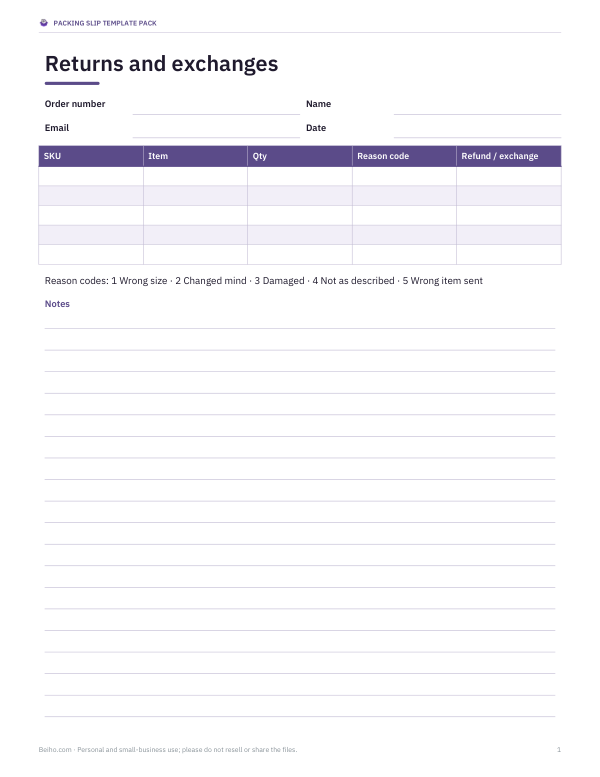 Returns and Exchange Form Template
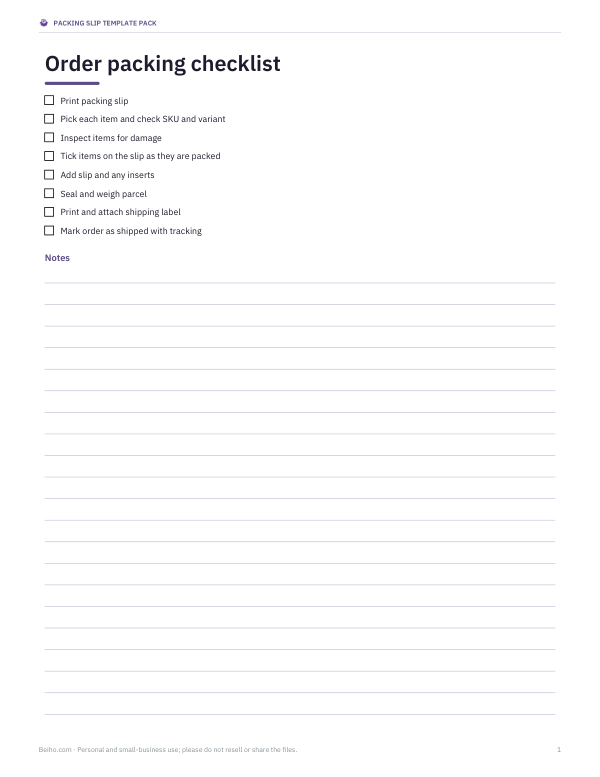 Printable Packing Checklist
What a packing slip is
A packing slip (also called a packing list or delivery note) is a document placed inside a shipment that lists what the parcel contains. It lets the customer check the contents against their order, helps warehouse staff pick and pack accurately, and is used for returns and claims if something is missing. Unlike an invoice, a packing slip usually does not show prices — especially for gifts or when the invoice is sent separately — although some businesses include them.
What to include on a packing slip
| Section | Details |
|---|---|
| Your business | Name, address, email or phone, logo if you have one |
| Order information | Order number, order date, ship date, customer or PO number |
| Ship-to address | Recipient name and full delivery address |
| Items | SKU, description (with size, colour, variant), quantity ordered and quantity shipped |
| Back orders | Items not in this parcel and when they will follow |
| Shipping | Carrier or method; tracking number if known |
| Customer note | Thank-you message, returns policy, contact details |
Packing slip vs invoice vs shipping label
| Document | Purpose | Shows prices? | Where it goes |
|---|---|---|---|
| Packing slip | Lists contents of the parcel | Usually not | Inside the parcel |
| Invoice | Requests or confirms payment | Yes | Emailed or included |
| Shipping label | Routes the parcel through the carrier | No | Outside the parcel |
| Commercial invoice | Customs declaration for international shipments | Yes (declared value) | Attached outside in a document pouch |
For international shipments, customs needs a commercial invoice or customs declaration with values; a packing slip does not replace it.
How to use the generator
- Enter your business details and the ship-to address.
- Add the order number, dates and shipping method.
- List each item with its SKU and description, and the quantities ordered and shipped.
- If a quantity shipped is lower than ordered, a back-ordered column appears automatically.
- Tick “Show prices” only if you want prices on the slip.
- Print on plain paper, or save as PDF to attach to the order record.
Worked example
A small textile studio ships order #10482: two linen tote bags and one cushion cover are in stock, but the napkin set is not. The generator lists all three items with ordered and shipped quantities, adds a back-ordered column showing one napkin set to follow, and prints “Items shipped: 3 of 4 · Back-ordered items will ship separately.” The note thanks the customer and gives the returns contact. Prices are hidden because the customer received an emailed receipt.
Tips for small online shops
- Use the same order number as your store platform so returns are easy to match.
- Describe variants clearly — size, colour, material — so customers can check the right item arrived.
- Print the slip before packing and tick items as they go in the box.
- Include a short, friendly note; it is one of the few personal touches in a mail-order purchase.
- Mention how to contact you before leaving a review or opening a dispute.
- Keep a PDF copy of each slip with the order record.
Packing slips for gifts
When a customer sends a gift, hide prices and add a gift message in the note section. Many platforms have a “gift receipt” option that does the same. Double-check that the ship-to name is the recipient’s and the note does not reveal the price.
Returns and exchanges
A packing slip that includes the order number, item SKUs and your returns instructions makes returns faster for everyone. Some shops print a tear-off returns form at the bottom of the slip where the customer ticks the reason for return. The paid pack includes a slip with a returns section and an exchange request form.
Packing slips for wholesale and B2B orders
Business customers often need more detail than retail buyers. Add their purchase order (PO) number next to your order number so their receiving team can match the delivery, list quantities in the units they ordered (cases, packs or each), and note the number of cartons in the shipment — for example “Carton 1 of 3”. For multi-carton shipments, put a copy of the packing slip in each carton, or a master slip in carton 1 with each carton’s contents listed. Receiving teams sign the slip or note discrepancies, which is why clear SKUs and quantities matter.
Common mistakes to avoid
- Listing product names that differ from the store listing, which confuses customers checking the parcel.
- Forgetting to note back-ordered items, which leads to “missing item” complaints.
- Printing prices on gift orders.
- Leaving out a contact method for problems with the order.
- Using a different order number format from the confirmation email.
Privacy
The generator runs in your browser. Customer names and addresses are not uploaded or stored — close the page and they are gone. Save or print what you need.
Frequently asked questions
What is a packing slip?
A document inside a parcel listing its contents, used to check the order and handle returns.
Should a packing slip show prices?
Usually not, especially for gifts; include them only if you want the slip to double as a receipt.
What is the difference between a packing slip and an invoice?
A packing slip lists contents; an invoice requests or confirms payment and shows prices.
How do I show back-ordered items?
Enter a shipped quantity lower than ordered; the back-ordered column appears.
Are customer details saved?
No, everything stays in your browser.
Can I add my logo?
The paid Word templates include a logo placeholder.
Do I need a packing slip for every order?
It is not legally required for domestic orders in most places, but it reduces errors and makes returns easier, so most shops include one.